
Quick answer
The decision boundary is operational: choose Shopify when managed speed and ecosystem leverage dominate; consider Shopware when commerce modeling, ownership and governance complexity are strategic requirements. Score your own priorities instead of accepting a universal winner.
Last reviewed: 2026-10-09T10:58:13.436ZWeighted decision scorer
Set importance from 0 (not relevant) to 5 (critical). Platform-fit values are WebDesignK editorial assumptions informed by current Shopify and Shopware product documentation. Your weights drive the result; this is not a universal platform ranking.
1. Grouped criterion contribution bars
Each group shows how much the current importance weight lets each option contribute on that criterion. The overall fit summary sits above the grouped bars.
2. Weighted criteria radar
Shape shows which criteria each option satisfies under your current importance settings.
- Cost predictability: weight 3
- Speed: weight 3
- Ownership / control: weight 3
- SEO / performance: weight 3
- Integrations: weight 3
- Scale / parallelism: weight 3
- Governance: weight 3
- Editor experience: weight 3
3. Criteria contribution heatmap
Cells combine each option's disclosed fit (1–5) with your importance weight (0–5).
Assumption note: option fit values are transparent WebDesignK editorial planning assumptions, not measured market performance. The result changes only from your criterion weights and the disclosed matrix.
Tables built for the buying decision
Primary decision table
| Criterion | Shopify | Shopware | Tradeoff | Who should care |
|---|---|---|---|---|
| TCO | Predictable managed core; apps/custom work add cost | Community + paid plans; hosting/ownership varies by deployment | Managed convenience vs architecture control | Finance + platform owner |
| Launch speed | Strong standard path and ecosystem | Can require more architecture/implementation choices | Speed vs tailored model | Growth/ecommerce lead |
| SEO/performance | Strong standard storefront; headless option | Flexible storefront/API architecture | Simplicity vs frontend control | SEO + Engineering |
| Ownership | Platform-managed core boundaries | Broader self/PaaS/SaaS choices | Less ops vs more control | CTO/platform team |
| Integrations | Large app/API ecosystem | Strong extension/API orientation | Ecosystem fit differs by stack | Enterprise architecture |
| Governance | Plan/app/role governance | Deployment + extension governance | Different operational burden | Security/IT |
| Editor workflow | Mature merchant admin | Strong commerce/CMS tooling | Team preference + custom model | Merchandising/content |
Migration and switching inventory
| Asset | What must be mapped | Failure mode if skipped |
|---|---|---|
| URLs/SEO | Old→new URL, canonical, redirect, metadata | Lost demand / crawl confusion |
| Catalog | Variants, attributes, relationships, media | Incorrect storefront/product data |
| Customers/orders | Accounts, history, permissions, subscriptions | Support and continuity failures |
| Integrations | ERP/PIM/CRM/payments/feeds | Data drift or operational outages |
| Analytics | Events, consent, attribution, feeds | Blind launch and broken reporting |
Turn this planning result into a scoped review.
Send the assumptions, constraints and result summary. WebDesignK can review the architecture/content/implementation boundary, identify missing discovery inputs and return a prioritized next-step scope.
- Bring: current site/product, constraints, integrations and your tool result.
- You get: a scoped recommendation, open questions and implementation priorities.
Decision snapshot: Shopify versus Shopware depends on operating complexity, not brand preference
Shopify is usually easier to launch and operate for teams that value a managed commerce platform, a broad app ecosystem and a fast editorial workflow. Shopware becomes more compelling when ownership, composability, complex B2B/B2C requirements, custom data models or deeper control over the commerce stack outweigh the convenience of a more opinionated managed platform. Neither platform is universally better. The choice flips when your operating model, integration depth and governance requirements change.
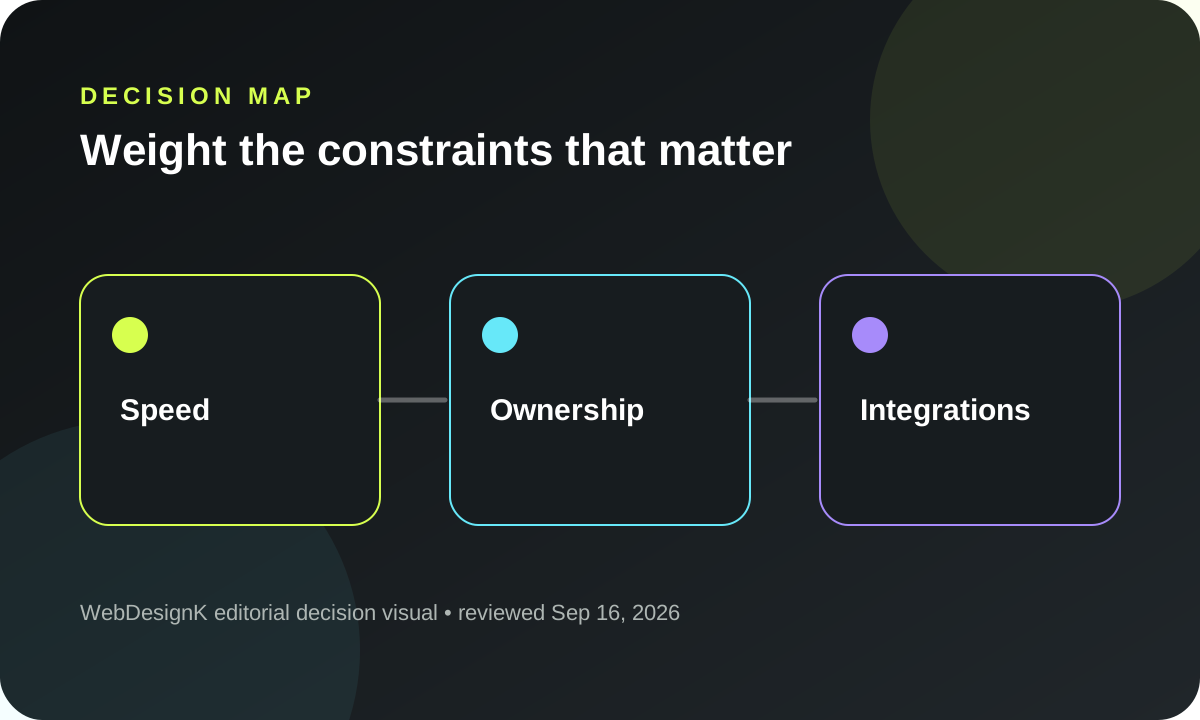
What you will decide: how much weight your team places on speed, cost predictability, ownership, SEO/performance control, integrations, scale, governance and editor experience. The scorer above changes only from your weights and a disclosed fit matrix; it is not a published platform ranking.
Quick decision summary: best-fit scenarios
A lean ecommerce team that wants to launch quickly, keep infrastructure responsibility low and let non-technical staff run products, promotions and content will often find Shopify easier to operationalize. A growth team can still stay on Shopify while adding custom apps, Functions, Markets, B2B or a headless storefront when the business case justifies the extra engineering surface.
Shopware is worth serious consideration when the commerce model is structurally complex rather than merely large: unusual product relationships, B2B permissions, multiple sales channels, deep ERP/PIM workflows, self-hosting or PaaS requirements, and a team that values control over platform architecture. The Community Edition also creates a different ownership path from a fully managed SaaS subscription.
The decision is rarely permanent. Choose the option whose day-2 operating model matches the next several years of business change, then keep migration boundaries explicit.
Side-by-side comparison on buyer criteria
Compare the platforms using criteria that reflect your actual operating constraints. Cost includes subscription plus apps/extensions, implementation, integration, support and internal time. Speed means the time to a safe operating model, not just installing a theme. Ownership includes source-level control, hosting choices, extension architecture and data flows. SEO/performance includes template control, rendering choices, URL behavior and the team's ability to ship technical changes.
Shopify's current product supports standard storefronts and headless builds; its Storefront API and Hydrogen stack are documented first-party options for custom frontend experiences. Shopware positions Community Edition, Rise, Evolve and Beyond at different complexity/support levels and supports SaaS, PaaS and self-hosted deployment choices. Those facts create different responsibility boundaries rather than a simple “closed versus open” binary.
Use the weighted scorer as a conversation tool
If two stakeholders disagree, do not argue from preference. Let each person set the eight weights, compare the resulting shape, then discuss the criteria with the biggest difference. The value is exposing assumptions, not producing a winner badge.
Total cost of ownership
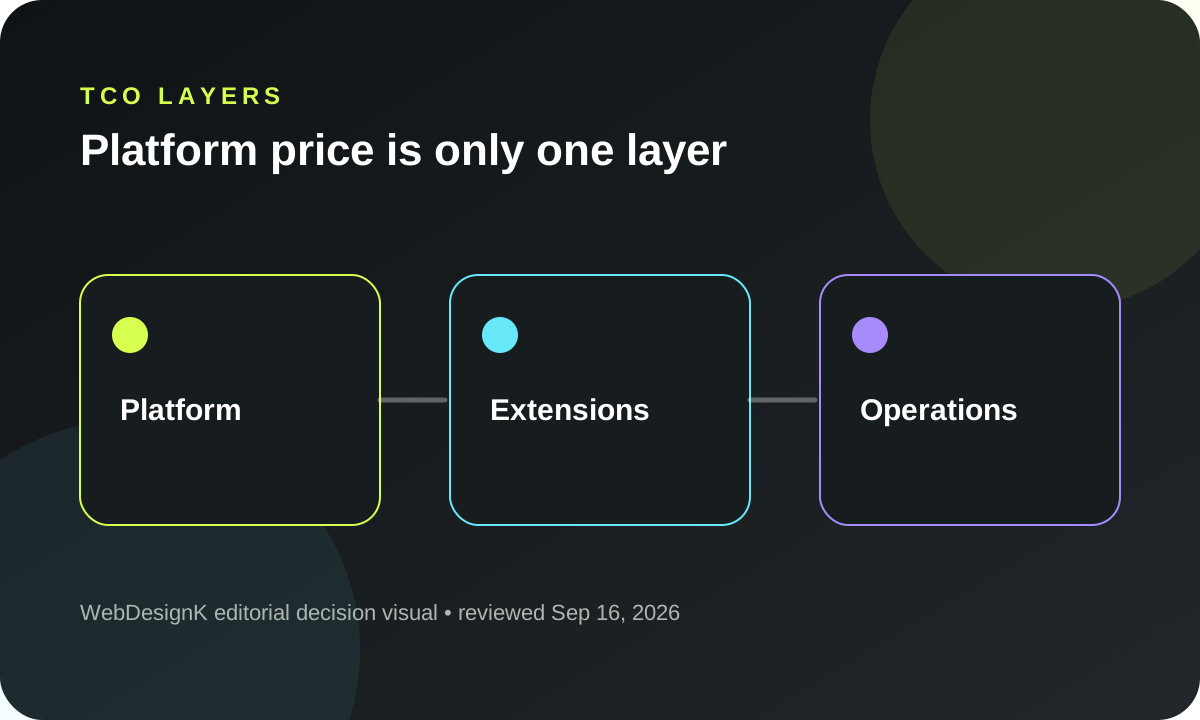
Subscription price is visible, but TCO is mostly architecture plus operations. Shopify pricing currently varies by plan and billing cadence, with Plus positioned for complex businesses. Shopware currently offers Community Edition at no license charge and paid Rise/Evolve/Beyond plans with different capabilities/support. Those prices change, so this guide links to the official pages and treats them as dated inputs rather than timeless facts.
Add the costs that are easier to miss: premium themes, apps/extensions, custom development, integration middleware, search, observability, hosting where applicable, agency/partner support, release QA, upgrade testing and internal platform ownership. A nominally lower platform fee can be irrelevant if the business needs many custom extensions and continuous specialist maintenance.
Speed to launch and day-2 operations
Shopify's strength is that hosting, core platform operations and much of the standard commerce surface are managed. That can compress infrastructure decisions and let teams spend more time on merchandising, content and integrations. The tradeoff is working within Shopify's platform boundaries and extension mechanisms.
Shopware gives organizations more deployment and architecture choices, which can be an advantage when those choices matter and a burden when they do not. Self-hosted or customized environments require an owner for upgrades, performance, security, deployment and incident response. Even with SaaS/PaaS, more composable implementations create more integration and release responsibility.
Day-2 ownership should be explicit before selection: who handles catalog modeling, promotions, storefront releases, plugin/app updates, ERP/PIM failures, search, analytics, performance and incidents?
SEO, performance and technical flexibility
Both platforms can support strong SEO; neither removes the need for information architecture, useful content, crawlable navigation, canonical control, redirects and performance engineering. The implementation path differs. Standard Shopify keeps more of the platform standardized. Headless Shopify expands frontend control but adds a separate application, API contracts, deployment and caching decisions. Shopware's storefront and API options can support custom architectures with correspondingly higher ownership.
Do not choose headless because it sounds more advanced. Choose it when the expected UX, performance, localization or integration benefits justify the operating complexity. A server-rendered standard storefront with disciplined theme engineering can outperform a poorly designed headless stack.
Integrations, data ownership and lock-in
Inventory, pricing, product information, CRM, tax, fulfillment and marketplaces often drive platform choice more than the storefront. Map each system of record, direction of sync, latency requirement, retry behavior and reconciliation owner. Then inspect platform APIs and extension models against those flows.
Lock-in is not only whether data can be exported. It includes theme/app dependencies, proprietary automation, custom checkout behavior, extension contracts, staff workflow and operational knowledge. Migration cost is the amount of business behavior that must be rebuilt and revalidated.
Security, governance and enterprise requirements
A managed platform can reduce infrastructure tasks, but governance still includes roles, apps/extensions, customer data, integrations, consent, logging and change approval. More self-managed architectures increase control and also the number of controls your team must operate.
For enterprise/B2B use cases, document identity/roles, catalog segmentation, pricing rules, approval flows, audit needs, data residency expectations, incident response and support escalation. Then compare these requirements to the exact plan/deployment model—not the platform name in general.
Scenario recommendations by company stage
Lean team: prioritize operational simplicity, standard integrations and editor independence. Start with the least custom architecture that supports the business model.
Growth team: prioritize integration reliability, internationalization, catalog complexity and release velocity. Shopify may stay standard or become headless; Shopware may become attractive if deeper commerce modeling and ownership are becoming strategic.
Complex enterprise: prioritize governed change, B2B/B2C complexity, multiple channels, integration contracts, support obligations and long-term ownership. Evaluate both with a proof-of-concept around the hardest workflow rather than a generic feature checklist.
Migration and switching considerations
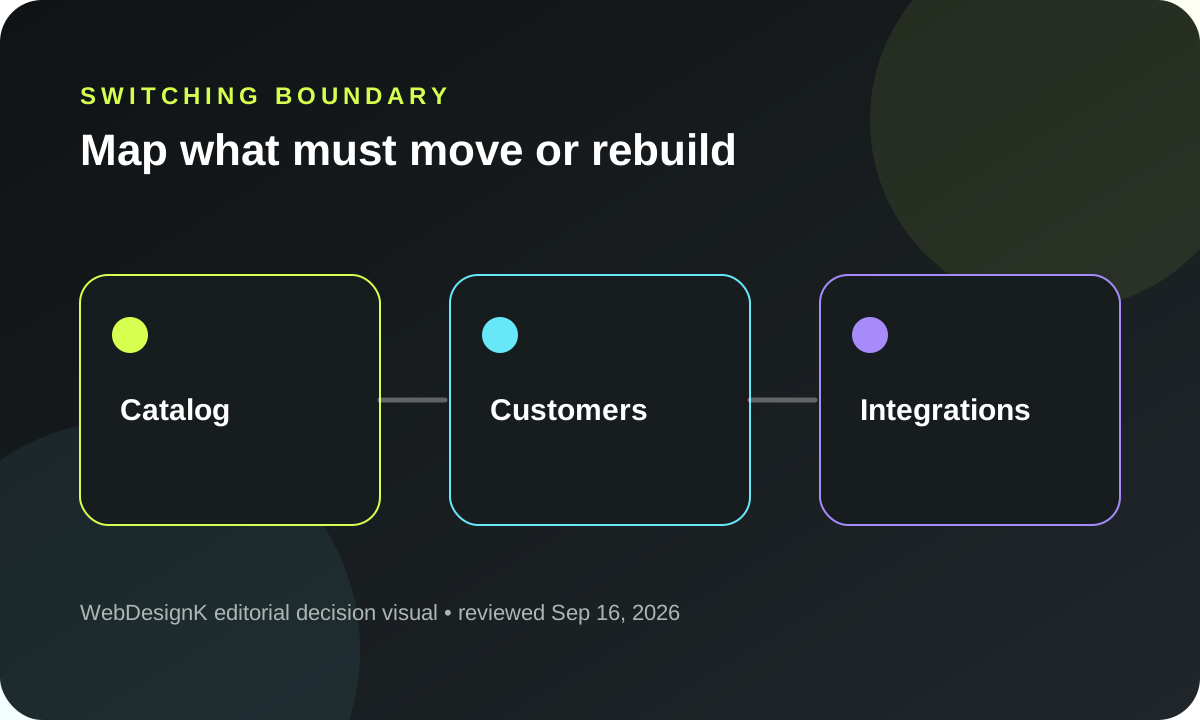
Before switching, inventory URLs, customer accounts, order history, subscriptions, discounts, gift cards, product relationships, app/plugin behavior, analytics events, feeds and integrations. Decide what must migrate exactly, what can be transformed and what can be retired. Build reconciliation reports before cutting over.
Migration should include redirect mapping, catalog validation, checkout testing, payment/refund scenarios, account flows, analytics, feeds and post-launch monitoring. Treat it as a business-system migration, not a theme replacement.
Decision checklist and FAQ
Write the decision in one page: weighted criteria, non-negotiable requirements, system-of-record map, expected change over three years, staffing model, support needs and exit/migration assumptions. Revisit it before adding headless architecture or major extension layers; complexity should be earned by a clear requirement.
Run a proof around the hardest commerce workflow
Before committing to a platform, pick the workflow most likely to break a generic demo. For a B2B company that might be customer-specific catalogs, approval chains and contract pricing. For an international retailer it might be markets, taxes, localization and inventory routing. For a complex catalog it might be product relationships, configurability and search. Implement enough of that workflow to expose extension boundaries, API behavior, admin usability and operational ownership. A proof based only on a standard product-detail page tells you little about the reason the decision is difficult.
Include day-2 people in the proof. Merchandisers should edit products and promotions. Customer service should find orders and account context. Engineering should trace an integration failure. SEO should inspect rendered URLs, canonical behavior and navigation. Security or IT should review access and change controls. The platform decision is stronger when the people who will live with it can see the exact tradeoffs.
Normalize pricing before comparing TCO
Official plan pages are useful inputs, but the numbers are not directly comparable without the surrounding architecture. Record the plan or deployment model, expected GMV/usage where pricing depends on it, payment arrangements, required apps/extensions, search, hosting, CDN, observability, support, integration middleware and partner services. Keep current pricing in a dated worksheet rather than embedding a single “Shopify costs X / Shopware costs Y” conclusion that will age quickly.
For Shopware Community Edition, a zero license fee does not mean zero platform cost: the team still owns hosting, operations and implementation. For Shopify, managed infrastructure reduces that ownership burden but platform and extension boundaries still shape custom work. The meaningful comparison is total responsibility over time.
Model the editor and release workflow
Commerce teams change products, categories, promotions, landing pages and content constantly. Ask how a non-engineer previews a change, schedules it, rolls it back and coordinates across markets. Then ask how engineering ships code or extensions without blocking merchandising. A platform that looks flexible in architecture diagrams can still create a slow operating model if everyday publishing requires developer intervention.
Conversely, a highly convenient editor does not compensate for structural limitations in a business with complex pricing, permissions or data ownership. Weight editor experience alongside governance and integrations rather than treating it as a cosmetic preference.
Decide headless only from a requirement
A headless storefront can separate frontend release cycles, enable custom experiences and give strong rendering control, but it also introduces another application, API availability, caching, preview, deployment, monitoring and frontend ownership. Write the requirement that headless solves and the measurable benefit you expect. If the answer is “modern stack,” keep the standard storefront until a real constraint appears.
The same discipline applies to deep Shopware customization. More control is valuable only when the organization is willing to operate it. Architecture should remove a business constraint, not create technical prestige.
Create an exit test before the contract
Ask how products, customers, orders, content and configuration can be exported; list which business behaviors live in proprietary apps or plugins; and identify the hardest workflows to rebuild. You do not need a detailed migration project before purchase, but you should know which dependencies would make a future switch expensive. This makes lock-in an explicit business decision rather than a surprise discovered during replatforming.
Frequently asked questions
Is Shopify always cheaper than Shopware?
No. Compare the exact plan/deployment model plus apps/extensions, implementation, integrations, operations and internal ownership. License/subscription price alone is not TCO.
Can Shopify be headless?
Yes. Shopify documents the Storefront API and Hydrogen as first-party headless paths. Headless adds frontend and operational responsibilities that should have a business reason.
Is Shopware only for enterprise companies?
No. Shopware offers Community Edition as well as paid plans. The relevant question is whether its ownership and commerce-model flexibility match your team and requirements.
Which platform is better for SEO?
Both can support strong SEO. Implementation quality, information architecture, performance, rendering, URL control and content operations matter more than a generic platform winner claim.
Sources and assumption boundaries
Fast-changing platform, pricing and search claims were reviewed on 2026-10-09T10:58:13.436Z. Interactive scores and scenarios are clearly labeled planning models, not sourced market benchmarks.
- Shopify — Plans & pricing Official plan/features/pricing page; reviewed September 16, 2026. Pricing changes over time.
- Shopify.dev — Storefront API Official Storefront API documentation; reviewed September 16, 2026.
- Shopify.dev — Hydrogen Official headless/Hydrogen documentation; reviewed September 16, 2026.
- Shopware — Plans & pricing Official Community/Rise/Evolve/Beyond pricing and deployment context; reviewed September 16, 2026.
- Shopware — Developer documentation Official developer/release documentation; reviewed September 16, 2026.


