
Quick answer
Do not ask whether the redesign looks ready. Ask whether every launch blocker has verifiable evidence, an owner and a rollback or monitoring path. Speed is valuable only when the release remains observable and reversible.
Last reviewed: 2026-10-09T18:16:03.273Z35-point redesign launch checklist
Progress is stored only in this browser. “Complete” means you have the evidence named in the row—not that someone remembers checking it.
1. Overall completion donut
Takeaway: launch confidence depends on evidence-backed completion, especially blockers.
2. Category progress bars
Takeaway: uneven category progress exposes handoff gaps before launch.
3. Severity × completion heatmap
Takeaway: unresolved blockers deserve attention before medium-priority polish.
| Status | Check | Category | Severity | Owner | Evidence of done | Recheck cadence |
|---|---|---|---|---|---|---|
| Map every changed URL to an intentional destination | SEO | Blocker | SEO + Engineering | Exported redirect map + sampled 301 tests | Launch + after URL changes | |
| Validate self-canonicals and intentional cross-canonicals | SEO | Blocker | SEO + Engineering | Crawler export showing canonical target/status | Launch + monthly | |
| Remove staging/noindex/robots blocks from production scope | Critical | Blocker | Engineering + SEO | Production robots.txt + meta/X-Robots audit | Launch | |
| Regenerate sitemap with only canonical indexable URLs | SEO | High | SEO + Engineering | Sitemap fetch + URL sample | Launch + automated | |
| Verify analytics loads on production and excludes internal/test traffic where configured | Analytics | Blocker | Data + Marketing | Realtime/debug event screenshot | Launch + monthly | |
| Test primary lead/purchase conversion events end to end | Analytics | Blocker | Data + Marketing | Test conversion IDs and destination records | Launch + monthly | |
| Confirm consent mode / cookie controls match the deployed trackers | Security | High | Legal/Privacy + Engineering | Consent-state network test | Launch + tracker changes | |
| Submit every business-critical form and verify routing/validation | UX | Blocker | QA + Marketing | Successful test submissions in destination | Launch + release | |
| Complete checkout or equivalent money path on production/safe test mode | Critical | Blocker | QA + Engineering | Recorded test transaction/order | Launch + release | |
| Test sign-in, password reset and protected-route behavior where applicable | Security | High | Engineering + QA | Test account flow recording | Launch + auth changes | |
| Verify custom 404, removed URL behavior and no soft-404 regressions | SEO | High | SEO + Engineering | Known-missing URL response + rendered page | Launch | |
| Check important pages return intended HTTP status codes | Technical | Blocker | Engineering + SEO | Crawler status-code export | Launch + monthly | |
| Test navigation, menus and sticky UI on small mobile viewport | UX | High | Design + QA | 390px browser screenshots | Launch + navigation changes | |
| Check layouts at common mobile/tablet/desktop breakpoints | UX | High | Design + QA | Breakpoint QA matrix | Launch + component changes | |
| Complete critical paths with keyboard only | UX | High | QA + Design | Keyboard walkthrough notes | Launch + interaction changes | |
| Confirm visible focus states and logical focus order | UX | High | Design + Engineering | Focus-state screenshots | Launch | |
| Verify form labels, errors and accessible names | UX | High | QA + Engineering | Accessibility audit + manual sample | Launch | |
| Review meaningful image alt text and decorative-image handling | Content | Medium | Content + QA | CMS/export spot check | Launch + content publishing | |
| Validate page H1/H2 hierarchy and avoid heading-as-decoration | Content | Medium | Content + SEO | Heading outline sample | Launch | |
| Confirm unique titles and descriptions for priority pages | SEO | High | SEO + Content | Crawler metadata export | Launch + quarterly | |
| Validate structured data matches visible page content | SEO | High | SEO + Engineering | JSON-LD parse + rich result/schema validator | Launch + template changes | |
| Test social share title, description and image | Content | Medium | Marketing | Share-debug preview | Launch | |
| Check LCP on representative high-traffic templates | Technical | High | Engineering | Field/lab report with tested URL | Launch + monthly | |
| Check interaction responsiveness and heavy client work | Technical | High | Engineering | Performance trace / field report | Launch + monthly | |
| Check layout stability for images, embeds, banners and fonts | Technical | High | Engineering | Performance trace with shift sources | Launch + monthly | |
| Verify responsive image sizing, modern formats and dimensions | Technical | Medium | Engineering + Design | Network/image audit | Launch + template changes | |
| Check font loading, fallback behavior and unused weights | Technical | Medium | Engineering + Design | Network waterfall | Launch | |
| Review security headers appropriate to the stack | Security | High | Engineering + Security | Header capture/scanner result | Launch + infrastructure changes | |
| Confirm HTTPS, mixed-content absence and certificate validity | Security | Blocker | Engineering | TLS/browser network test | Launch + certificate automation | |
| Reconcile final approved content against production | Content | High | Content + Marketing | Signed-off page inventory | Launch | |
| Check priority internal links and navigation targets | SEO | High | SEO + Content | Broken-link crawl + priority path sample | Launch + monthly | |
| Test onsite search/filtering if present | UX | Medium | QA + Product | Query test set | Launch + search changes | |
| Configure uptime/error monitoring and alert ownership | Technical | High | Engineering | Monitor dashboard + test alert | Launch + quarterly drill | |
| Document CMS publishing, rollback and incident owners | Critical | High | Product + Engineering | Handoff/runbook link | Launch + ownership changes | |
| Schedule 7/14/30-day traffic, errors, rankings and conversion review | Analytics | High | Marketing + SEO + Data | Calendar/report owner + baseline snapshot | Post-launch |
Source/assumption note: the checklist is a WebDesignK operational launch framework. Google redirect and Core Web Vitals guidance cited below support specific SEO/performance checks; your stack and regulatory context may require additional controls.
Tables built for the buying decision
Primary decision table
| Launch domain | What can fail | Required evidence | Owner | Gate |
|---|---|---|---|---|
| Search/indexation | Changed URLs, canonicals, robots, sitemap | Crawler export + sampled production responses | SEO + Engineering | Block if unresolved |
| Conversion | Forms, checkout, auth | Successful end-to-end production-like tests | QA + Marketing/Product | Block if revenue/lead path fails |
| Measurement | Analytics and conversion events | Realtime/debug events in destination | Data + Marketing | Block if decisions go blind |
| Experience | Mobile, keyboard, focus, responsive layout | 390px screenshots + keyboard walkthrough | Design + QA | High severity |
| Operations | Monitoring, rollback, ownership | Runbook + test alert + deploy SHA | Engineering/Product | Block if no recovery path |
Recheck cadence by control type
| Control | At launch | Recurring cadence | Trigger for immediate recheck |
|---|---|---|---|
| Redirects/canonicals | Full crawl | Monthly sample | URL/template migration |
| Core conversions | End-to-end | Monthly / release | Form/checkout integration change |
| Performance | Representative templates | Monthly field review | Major media/script/template change |
| Security/privacy | Production review | Quarterly / policy-based | New processor, auth or infrastructure |
| Analytics | Debug + destination | Monthly | Tag/consent/CRM change |
Turn this planning result into a scoped review.
Send the assumptions, constraints and result summary. WebDesignK can review the architecture/content/implementation boundary, identify missing discovery inputs and return a prioritized next-step scope.
- Bring: current site/product, constraints, integrations and your tool result.
- You get: a scoped recommendation, open questions and implementation priorities.
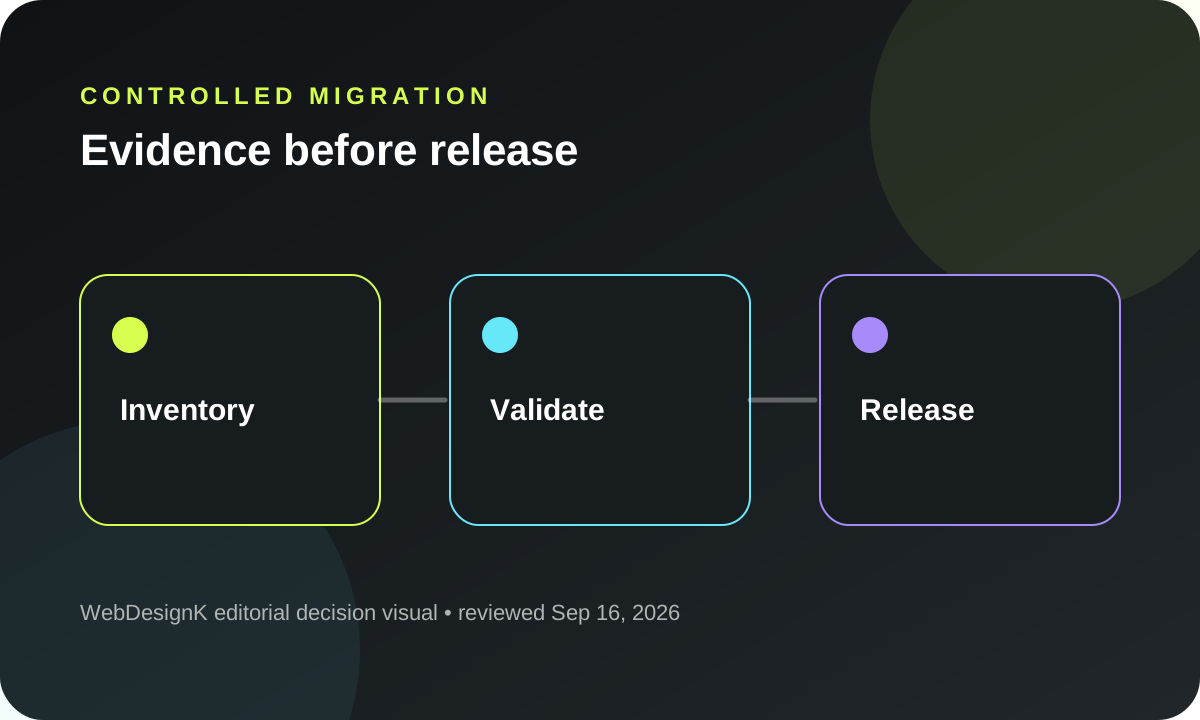
Decision snapshot: treat a redesign as a controlled migration, not a visual launch
A website redesign is safest when the team can prove what changed, who owns each risk, and how the new production experience preserves search, measurement and conversion paths. The launch decision should not be “does it look finished?” It should be “can we show evidence that every blocker is controlled, every important URL has an intentional outcome, and every critical customer path works in production?” The biggest tradeoff is speed versus reversibility: the faster you launch without evidence, the more expensive it becomes to diagnose traffic, data or revenue loss after the fact.
What you will decide: which checks can block launch, which owner must provide evidence, which controls are one-time versus recurring, and what should be watched for 30 days after release.
How to use the checklist and define “done”
Start by turning the checklist into a shared release artifact, not a private QA note. Every row has an owner, severity, evidence field and recheck cadence. “Done” means the named evidence exists and another person can inspect it. For a redirect, that might be a crawler export plus sampled production requests. For analytics, it is not enough to see a script tag; prove that the expected event arrives in the destination with the expected parameters. For a form, submit it and verify the lead appears where operations will actually process it.
The interactive checklist above stores progress locally so a reviewer can filter launch blockers, mark a category complete after evidence is reviewed, copy a status summary and print/export the page for a handoff. The progress charts deliberately use only checklist state; they do not pretend that a percentage alone equals launch readiness. A site at 95% can still be unsafe if the remaining five percent contains indexing, payments or measurement blockers.
Use evidence as the unit of completion
Screenshots are useful when the requirement is visual, but prefer machine-readable evidence when possible: crawler exports, network traces, HTTP responses, test order IDs, analytics debug events, monitoring alerts and deployment logs. Store links to those artifacts in the release ticket or runbook so post-launch investigations do not depend on memory.
Critical preflight checks
Preflight is where you stop irreversible or high-cost mistakes before traffic reaches the new stack. Confirm the production hostname, certificate, environment variables, robots directives, canonical host, sitemap endpoint and redirect behavior. If the redesign changes URL structure, build the redirect map from the old production inventory—not from what the new CMS happens to know. Google documents redirects as the mechanism for signaling that a URL has moved; this is why redirect planning belongs on the critical path rather than in a cleanup sprint.
Test business-critical paths using production-like data and permissions. If the site sells, run a safe purchase or end-to-end checkout in the available test mode. If it generates leads, submit every high-value form and check the downstream CRM, email or webhook destination. If authentication matters, exercise sign-in, reset and protected routes. A beautiful launch that silently drops leads is a failed launch.
Define a launch gate, not a launch mood
A practical gate says: all blockers complete; unresolved high-severity items have named owners and accepted risk; rollback steps are documented; monitoring is active; and the people who can approve a go/no-go decision are present. This makes urgency visible without hiding risk.
Strategy and content checks
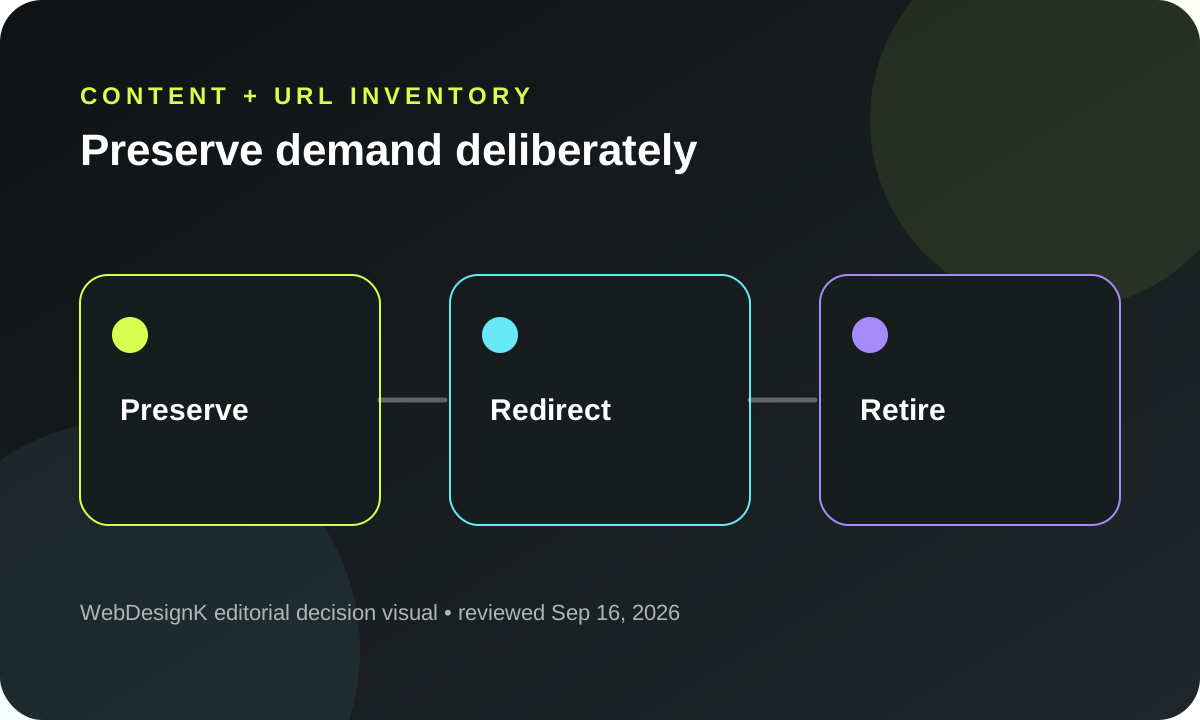
A redesign often fails strategically when the new visual system ships but the information architecture loses the reasons people came. Compare the new page inventory with the old organic landing pages, paid landing pages, sales enablement URLs and customer-support destinations. Make an explicit decision for every high-value page: preserve, consolidate, redirect, replace or retire. Avoid “we will recreate that later” for pages that currently acquire qualified traffic.
Check whether the new navigation reflects actual buyer tasks rather than internal department names. Validate page-level intent: each important page should have a primary audience, job-to-be-done, evidence set and next action. Then reconcile final approved copy against production. Late CMS edits are a common source of missing sections, stale claims and accidental placeholder content.
Protect proof and commercial context
Preserve case evidence, product constraints, pricing qualifiers, author attribution and legal disclaimers that carry meaning. A redesign should improve presentation without deleting the proof that made the old page credible.
UX and conversion checks
Mobile QA must be real, not inferred from a desktop responsive preview. Test at a narrow viewport such as 390px, inspect sticky elements, menus, accordions, tables, modals and form keyboards, and make sure nothing creates horizontal page overflow. Complete the primary conversion path with keyboard only and verify visible focus, logical order, form labels and error handling. Accessibility work is not a single automated score; automated tooling is a fast filter, while keyboard, focus, semantics and content require manual checks.
Conversion QA should verify intent as well as mechanics. Confirm the main CTA on each high-intent template leads to the expected destination, carries necessary context and does not get obscured by cookie banners, sticky navigation or animation layers. On forms, test success, failure, required states, invalid input, slow network behavior and duplicate submission protection where relevant.
Watch for redesign-specific regressions
New animation systems can hide content, create giant invisible blocks or delay interaction. Verify important content is visibly rendered before relying on intersection observers or motion effects. A component existing in the DOM is not evidence that a mobile visitor can see it.
Technical and performance checks
Use representative templates rather than one homepage score. Test a heavy landing page, an article, a conversion form, a product/detail page where applicable and any template that uses client-heavy interactions. Core Web Vitals focus on LCP, INP and CLS; use field data where available and lab traces to identify concrete causes. The objective is not chasing a vanity number—it is preventing regressions caused by oversized media, blocking scripts, hydration work, unstable layout or third-party tags.
Inspect image dimensions, responsive srcset behavior, lazy loading below the fold, font requests and unused weights. Confirm cache headers and compression on static assets. Check console and network failures after navigating through important pages, not only on the first load.
Validate failure behavior
Request known missing URLs, expired content and malformed query combinations. The system should return intentional status codes and a useful experience rather than a soft 404, blank page or unhandled exception.
SEO and indexation checks
Crawl staging and production separately, then compare. Priority checks include status codes, canonical targets, indexability, titles, meta descriptions, headings, sitemap membership, internal links and redirect destinations. Remove staging noindex or robots blocks only when the production release is ready; do not “fix” indexation by opening a staging hostname to search engines.
For changed URLs, avoid broad redirect rules that send many unrelated pages to the homepage. Preserve topical equivalence when a relevant replacement exists. Check that canonical URLs resolve directly without redirect chains and that sitemap entries match the canonical host. Structured data should describe visible content; do not leave FAQ or product markup behind after the visible section was removed.
Establish a before/after baseline
Export the old site's important organic landing pages, query groups and indexed URLs before launch. After launch, compare coverage, clicks and crawling behavior against that baseline. This turns “SEO seems down” into a diagnosable set of page-level changes.
Analytics and measurement checks
Treat measurement as a product dependency. List the decisions the team expects analytics to support—lead volume, qualified conversion, checkout completion, feature usage, campaign attribution—and then test the events required for those decisions. Verify event names, parameters, consent state and destination receipt. A tag firing in the browser but being discarded or misclassified downstream is not complete.
Create a launch annotation or release marker and capture a pre-launch baseline for traffic, conversions and error rates. Keep a short list of metrics that should move immediately because of the deployment and metrics that should not be interpreted too quickly. Organic search and sales cycles can lag; error spikes and broken conversions should not.
Security, accessibility and compliance checks
Review HTTPS and mixed content, important security headers, authentication flows, secrets/environment configuration and third-party scripts. Security requirements differ by stack and risk profile, so the checklist is a starting point, not a substitute for a qualified security review. If the redesign adds new processors, embeds, analytics or marketing tools, make sure the privacy/consent implementation and disclosures reflect what production actually loads.
For accessibility, validate semantic structure, labels, names, focus, keyboard use, zoom/reflow and meaningful alternative text. WCAG 2.2 is the current W3C Recommendation referenced below; the practical launch question is whether people can complete key tasks with assistive constraints, not whether a single tool produced a green badge.
Launch and handoff validation
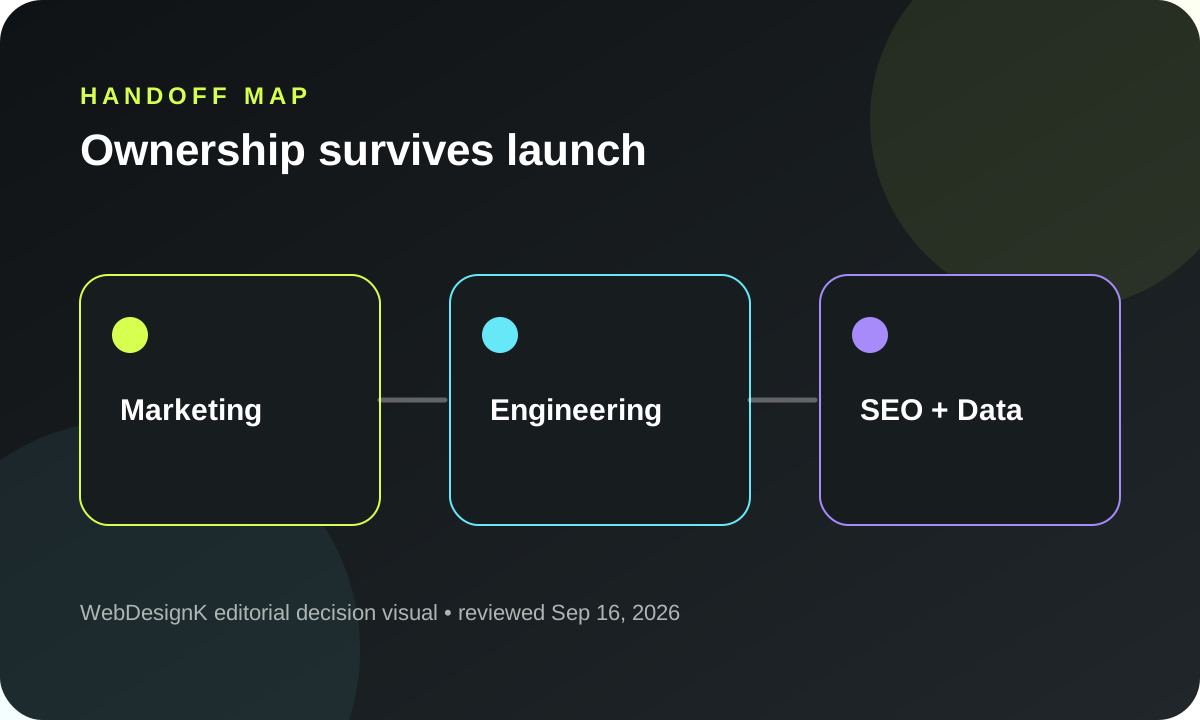
A release is incomplete until somebody can operate it tomorrow. Document CMS publishing, rollback, ownership of domains/DNS, monitoring, backups, third-party services and emergency contacts. Give marketing and content teams a short “safe publishing” guide: image requirements, heading rules, link practices, reusable components and what changes require engineering review.
Run the final smoke test against the real public hostname after deployment. Verify the author/tool/chart/table sections actually render on mobile, not just localhost. Capture the release SHA, production URL and critical QA evidence in the issue before closing it.
30-day post-launch monitoring
Plan the first month before launch. Day one is for availability, errors, conversions, indexability and major redirect failures. The first week is for crawling, organic landing-page behavior, form quality, page-speed regressions and support feedback. Around days 14 and 30, compare the agreed baseline: search clicks, important rankings/query families, conversions, revenue or qualified pipeline, error rates and page-level engagement where those metrics are genuinely useful.
Do not respond to every small fluctuation by changing the site again. Use thresholds and page-level evidence. Fix hard failures immediately, investigate persistent deviations and keep a decision log for changes made during the monitoring window. That gives the team a clean causal history instead of stacking redesign, SEO and content changes on top of each other.
Build a release packet that survives handoff
A useful redesign release packet should contain more than a checklist screenshot. Attach the final URL inventory, redirect map, crawl comparison, analytics event map, critical-path test evidence, known-risk list, rollback notes and monitoring owners. Keep the packet in the same system where the deployment is tracked so engineering, marketing and SEO can find the exact evidence after the launch meeting is over. If a third party owns part of the stack, record escalation contacts and the boundary between what your team can fix directly and what requires vendor support.
The release packet also creates a clean line between launch defects and later optimization work. A missing redirect, broken form or invisible mobile component is a defect. A new headline experiment or a revised CTA hierarchy is optimization. Mixing the two makes incident response harder because teams cannot tell whether a conversion change came from the redesign itself or from experiments added during stabilization.
Treat production as a different environment, not a copy of staging
Staging can prove layout and application behavior, but it rarely reproduces every production dependency. The public hostname has real DNS, CDN rules, consent settings, third-party tags, production credentials, cache behavior, payment endpoints and search-engine exposure. Run a short but deliberate production verification after deployment. That includes the real canonical URL, certificate, redirect behavior, critical forms, analytics receipt, robots/indexability, mobile rendering and monitoring. The production check is where hidden environment differences surface.
For high-risk changes, define a reversible release pattern. Blue/green, canary or fast image rollback mechanisms differ by stack, but the principle is the same: know the exact command or deployment artifact that restores the previous known-good version. A rollback plan that exists only as “we can redeploy the old code” is incomplete if nobody knows the previous image, database compatibility or who has access to execute it.
Decide what not to fix before launch
A disciplined launch gate does not mean every medium-priority imperfection must block release. Separate defects that threaten acquisition, revenue, accessibility, security or observability from polish that can be scheduled. Document accepted risk with an owner and target date. This prevents a deadline from turning all open work into “not important” while also preventing low-impact styling details from delaying a safe launch.
Frequently asked questions
What is the most important website redesign check?
There is no single universal check, but changed URL handling, production indexability, core conversion paths and measurement are common launch blockers because failures can cause immediate traffic or revenue loss.
Should every old URL redirect?
No. Redirect URLs that moved or have a relevant replacement. Removed content without an equivalent destination may need a proper 404/410 response rather than an irrelevant redirect.
How long should post-launch monitoring continue?
Use intensive monitoring immediately after launch and compare agreed baselines through at least the first 30 days; recurring controls such as uptime, analytics and performance continue beyond that.
Can automated QA replace manual mobile and accessibility checks?
No. Automation is useful for breadth, but critical paths, keyboard behavior, focus, visual layout, consent and business outcomes need manual verification.
Sources and assumption boundaries
Fast-changing platform, pricing and search claims were reviewed on 2026-10-09T18:16:03.273Z. Interactive scores and scenarios are clearly labeled planning models, not sourced market benchmarks.
- Google Search Central — Redirects and Google Search Official redirect guidance; reviewed September 16, 2026.
- web.dev — Core Web Vitals thresholds Google/web.dev explanation of LCP, INP and CLS thresholds; reviewed September 16, 2026.
- W3C — Web Content Accessibility Guidelines (WCAG) 2.2 W3C Recommendation for accessibility requirements; reviewed September 16, 2026.


